Skip to content
Welcome to Closet AssistantCloset Asssitant2025-12-03T11:28:17+00:00
Welcome to Closet Assistant
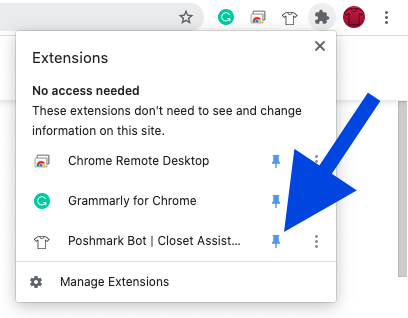
1) Pin Closet Assistant to the Google Chrome Toolbar by selecting the puzzle Icon.
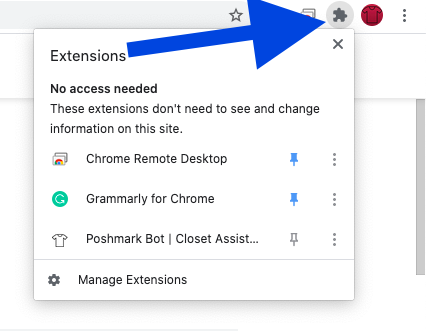
2) Select the pin next the Closet Assistant.

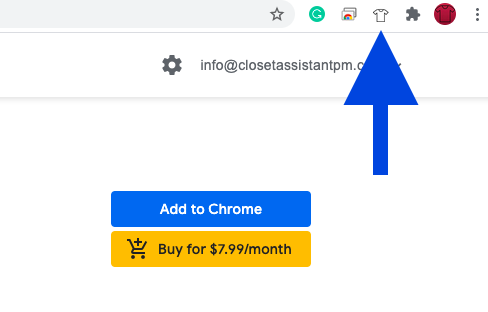
3) Look for the Closet Assistant Shirt Icon on the Google Chrome Tool Bar. Clicking will open and close the Closet Assistant.
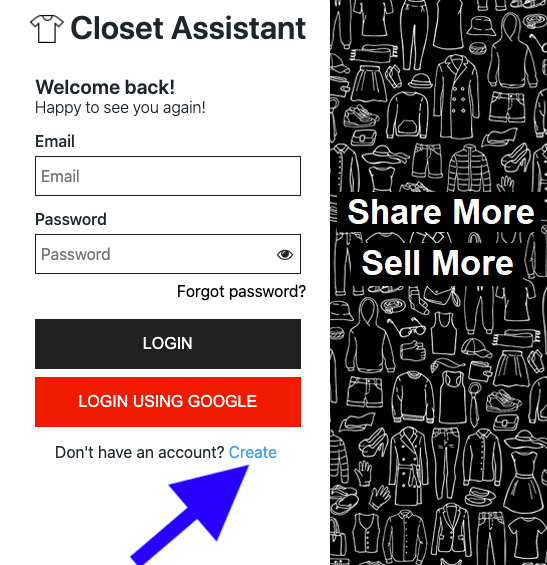
4) Use the create account option.
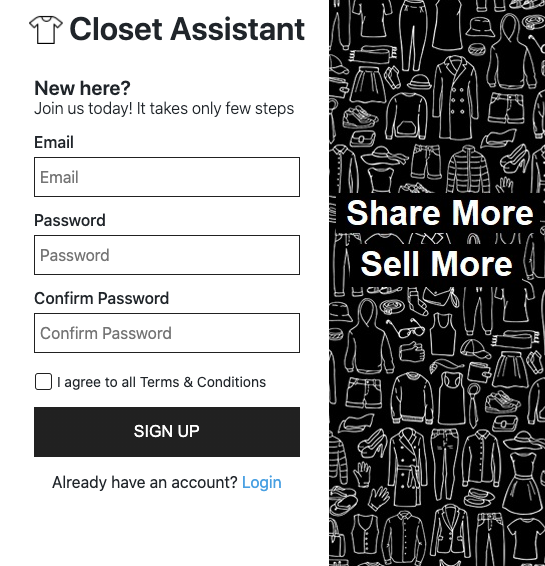
5) Enter your information in the fields.
6) Click the verify email link, if you do not see the link in your email check the spam/junk folders.
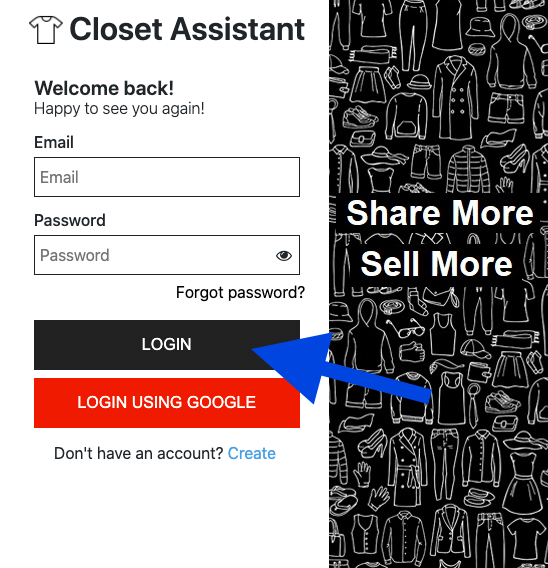
Each time you log in to your account you will use the “Black Login Button”
How To Use Closet Assistant
How To Subscribe
Once your trial had ended within the extension navigate to the subscriptions tab and select the package of choice.
Page load link